
Stay ahead with our breaking stories and exclusive coverage prioritized on Google.
Add The420 on Google →Cybersecurity researchers have discovered a malicious application distributed through the official Microsoft Store that installs a powerful remote access trojan on Windows computers. The application, named Setup Assistant, was used to deliver a previously undocumented malware strain called Vinci RAT after victims were redirected from fraudulent websites impersonating popular software downloads.
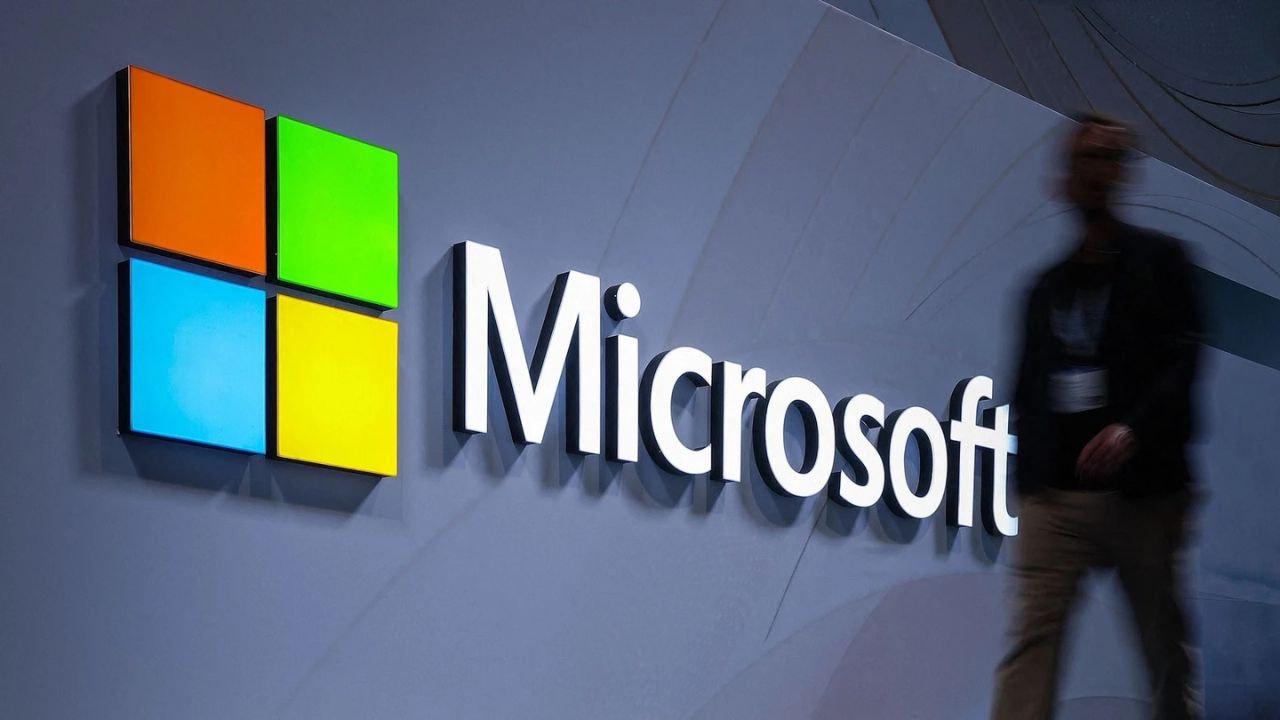
The malicious application was published under the name ETPS Ltd and distributed through a Microsoft-signed installer identified as Snipping-Tool.exe. Attackers used deceptive websites to target people searching for applications such as Microsoft’s Snipping Tool, while related domains also suggested attempts to impersonate Microsoft Teams and Roblox.
According to cybersecurity researchers, the application functioned as a backdoor and malware loader, allowing attackers to communicate with infected systems, execute commands and install additional malicious components.
FCRF Launches Certified Chief Risk Officer (CRO) Program for India’s Risk Leaders
The discovery raises concerns about the misuse of trusted software distribution platforms, particularly when malicious applications carry valid digital signatures and appear to originate from an official marketplace.
How Did Hackers Use Microsoft Store to Distribute Malware?
The attack began with fraudulent websites designed to resemble legitimate software download pages.
Researchers identified a phishing website impersonating Microsoft’s Snipping Tool, a widely used Windows application for capturing screenshots.
When a user searched for the software, the malicious website redirected the victim towards an installer associated with the Microsoft Store.
The installer, named Snipping-Tool.exe, carried a valid Microsoft digital signature and led to the installation of a malicious application called Setup Assistant.
The application was listed under the publisher name ETPS Ltd.
Investigators also identified related subdomains suggesting that the attackers had prepared similar impersonation campaigns involving Microsoft Teams and Roblox.
Rather than relying exclusively on users discovering the application through the Microsoft Store, the attackers used external websites to direct potential victims towards the malicious installer.
Once installed, Setup Assistant established communication with an attacker-controlled command-and-control server.
The application contained heavily obfuscated JavaScript capable of receiving instructions from the remote infrastructure and executing PowerShell or JavaScript commands.
Researchers found that the application also monitored the victim’s Downloads folder and supported the execution of additional scripts supplied by the attackers.
During the observed attack, the operators used the malicious application to launch a PowerShell stager, establish scheduled tasks for persistence and retrieve Vinci RAT.
The command-and-control infrastructure allowed the attackers to issue instructions remotely, turning the initially installed application into a mechanism for delivering more advanced malware.
What Can the Vinci RAT Malware Do to an Infected Computer?
Vinci RAT is a PowerShell-based remote access trojan consisting of approximately 800 lines of script, according to the researchers who analysed the malware.
Despite its relatively compact code, the trojan contains capabilities that allow attackers to collect system information, execute commands and deploy additional malicious payloads.
After infection, the malware gathers details about the compromised computer, including its hostname, username, Windows version, language settings, time zone and installed security software.
It can also identify whether the computer belongs to an Active Directory domain and examine the privileges available to the compromised user.
Researchers found that the trojan checks whether it can modify Windows Registry values, allowing the operators to assess the level of access available on the infected system.
Vinci RAT maintains communication with its command-and-control server through a reverse shell.
This connection enables attackers to execute commands using the Windows command interpreter and receive the resulting output remotely.
The malware also supports the delivery and execution of additional executable files, dynamic-link libraries and PowerShell scripts.
Investigators identified several execution methods, including launching files from the Windows temporary directory, using Windows Management Instrumentation and executing malicious code directly in memory.
The trojan can also use the Windows CreateThread application programming interface to execute supplied code.
In addition, researchers documented techniques involving the Antimalware Scan Interface, or AMSI, that could help the malware evade security detection.
These capabilities make Vinci RAT a flexible tool for maintaining unauthorised access and carrying out further malicious activity on compromised Windows computers.
Why Are Researchers Warning About Microsoft Store Security?
The investigation highlights the risk of assuming that applications distributed through official software marketplaces are automatically trustworthy.
In this case, the malicious Setup Assistant application was available through the Microsoft Store and used a valid digital signature, giving the installation process an appearance of legitimacy.
Researchers reported the application through Microsoft’s official Store abuse-reporting system.
However, according to their account, the initial response was automated and stated that the application did not violate Microsoft’s terms.
The researchers warned that the presence of an application in the Microsoft Store should not be treated as definitive proof of its safety.
They recommended that organisations apply stricter controls over software installations, particularly for applications with limited adoption, unfamiliar publishers or uncertain reputations.
Suggested safeguards include restricting Microsoft Store installations through Group Policy, AppLocker, Windows Defender Application Control and Microsoft Intune.
Security teams were also advised to review applications before approving them for installation across corporate systems.
The researchers published technical indicators associated with the attack, including malicious domains and infrastructure details, to help defenders identify related activity.
The discovery illustrates how attackers can combine fraudulent download websites, legitimate software distribution mechanisms and remote access malware to compromise Windows computers.
It also demonstrates that signed applications can still present security risks when attackers succeed in placing malicious software within trusted distribution channels.
About the author — Suvedita Nath is a science student with a growing interest in cybercrime and digital safety. She writes on online activity, cyber threats, and technology-driven risks. Her work focuses on clarity, accuracy, and public awareness.