
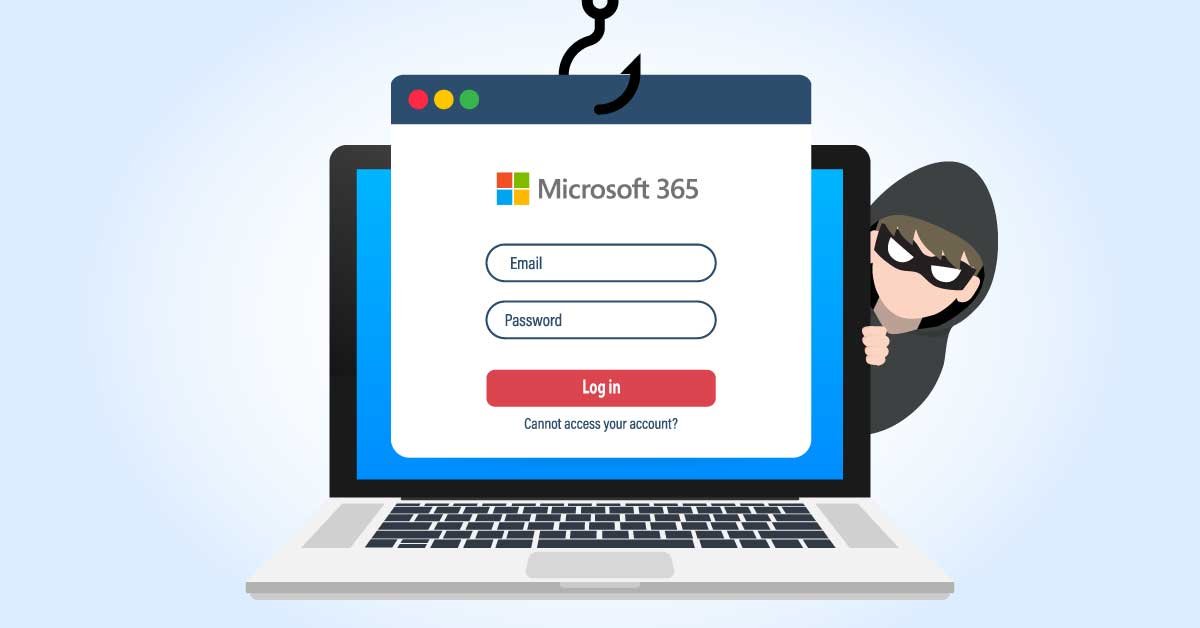

It does not arrive looking like a scam. There is no suspicious sender, no garbled subject line, no obvious red flag. It looks, instead, like a routine work notification — a group addition, a payroll update, a contract renewal reminder sitting quietly on your calendar. By the time you realize something is wrong, the attackers already have what they came for.
A newly documented phishing campaign, analyzed by cybersecurity firm Fortra, has exposed a deeply unsettling evolution in how attackers are exploiting Microsoft 365 — not by hacking it, but by using its own trusted features against the people who rely on them every day.
How The Attack Works
The attack begins when a target is added to or invited into an attacker-controlled Microsoft 365 Group. The group’s name, description, or welcome message is designed to create urgency — often using themes such as payroll updates, contract renewals, supplier requests, or mandatory training notices.
Because the invitation originates from a legitimate Microsoft cloud service, it clears most standard security filters without issue and lands directly in the victim’s inbox looking completely normal. Once inside, the attacker does not rush. Follow-up content is delivered through the group mailbox, shared files, or calendar invitations — using what researchers have termed CalPhishing techniques. CalPhishing uses Outlook and Microsoft 365 calendar features to deliver phishing lures through meeting invitations and .ics files that place events directly on a victim’s calendar.
Once a user engages — by signing in, downloading a file, or accepting an invite — the attack can result in credential theft, malware delivery, token capture, or severe data exposure across the network.
Why The Calendar Makes It Lethal
What separates this technique from conventional phishing is its patience and persistence. The value of CalPhishing lies in repeated exposure. A user might ignore the initial email, then later notice the calendar event, open the invitation, read the description, and click a link. Over time, the event can start to look like an unfinished work task, while calendar reminders keep bringing it back into view.
Most people are conditioned to trust their calendars in a way they no longer fully trust their inboxes. Finance deadlines, team meetings, HR notices — they all live there. Employees are used to getting reschedules, vendor calls, interview requests, finance reviews, and random last-minute invites from leadership. Most people are moving too fast during the day to inspect every conferencing link, and users tend to trust the workflow automatically. That creates a security gap.
The Bigger Microsoft 365 Problem
This campaign does not exist in isolation. In recent months, the FBI issued a separate warning about Kali365 — a phishing-as-a-service platform that abuses Microsoft’s device code authentication flow to hijack Microsoft 365 accounts by capturing OAuth tokens, granting access to Outlook, Teams, and OneDrive without ever needing a password. Together, these threats paint a picture of attackers systematically working through every trusted corner of the Microsoft ecosystem, looking for the path of least resistance.
What Organizations Must Do
Defending against this threat requires security teams to look well beyond initial email delivery. Relying solely on standard email filtering is insufficient because the attack spans multiple collaboration surfaces — email, Microsoft 365 Groups, shared files, and calendar events.
IT administrators are advised to restrict how external calendar invitations are handled within their tenant settings, tighten organizer permissions for Microsoft 365 Groups, and train employees to treat unexpected group additions and calendar events with the same skepticism they now apply to suspicious emails.
The phishing battlefield has moved. It is no longer just the inbox. It is the calendar on your phone, the group notification in your sidebar, the shared document that lands on your screen at 11 AM on a Tuesday. Recognizing that shift may be the most important security habit you build this year.
Follow for daily updates on cybercrime, corporate fraud, DFIR, hacking, investigations, and digital forensics