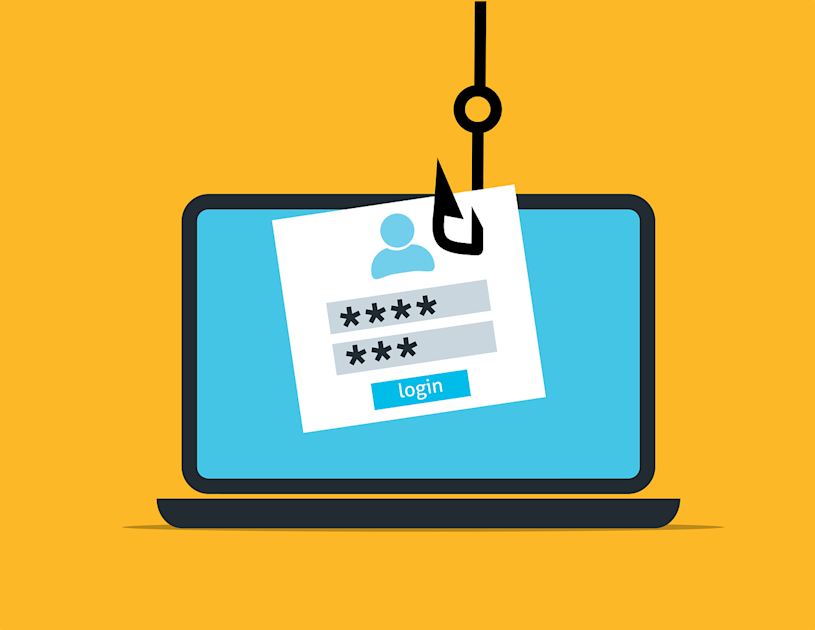
The upcoming feature will analyse chat context to identify impersonation and social engineering attempts, including suspicious messages that contain no malicious links or attachments.
Microsoft is preparing to introduce an artificial intelligence-powered phishing detection feature in Microsoft Teams that can identify suspicious conversations by analysing their context and intent. The update aims to address social engineering attacks in which cybercriminals impersonate trusted contacts, technical support staff or administrators to trick employees into revealing sensitive information.
Unlike conventional security measures that primarily flag malicious links and attachments, the new capability is designed to recognise deceptive requests within conversations, even when messages contain no obvious technical indicators of an attack.
AI Detection to Focus on Suspicious Conversations
Microsoft detailed the planned feature in a Message Center announcement dated October 21, 2026. The rollout schedule indicates that the Targeted Release will begin in early November and conclude by mid-November. Worldwide general availability is expected to begin in early December, with completion anticipated by mid-December.
The feature will analyse conversation context to identify potential phishing, impersonation, social engineering and deceptive intent. According to the published rollout details, protection will cover individual and group chats involving new external contacts across supported desktop, web and mobile platforms.
The approach addresses a growing challenge for organisations: cybercriminals increasingly rely on psychological manipulation rather than malicious files or suspicious URLs to gain access to corporate systems.
FCRF’s Chief AI Officer Certification Returns on November 14 to Prepare Future AI Leaders
How Attackers Could Exploit Microsoft Teams
A fraudulent message may appear to come from an IT administrator, help desk employee or another trusted professional. The attacker might claim that an account requires urgent verification, that access permissions need to be corrected or that a security issue must be resolved immediately.
Instead of directing the victim to a malicious website, the impersonator may simply ask for login credentials, verification codes or remote access to a device.
Microsoft’s illustrative example shows an external account posing as a “MOD Administrator” discussing permission problems before asking the recipient to share their credentials.
Such requests demonstrate why analysing the meaning of a conversation can provide an additional layer of protection beyond conventional link-based detection.
Privacy Safeguards and Rollout Details
Microsoft says the feature is intended exclusively for security purposes, rather than advertising, employee monitoring, productivity analysis or conversation summarisation.
The company also states that customer message content will not be retained by the detection system for model training or other secondary uses. These assurances relate to the detection feature and should not be interpreted as changes to existing organisational data-retention policies.
During the initial rollout, detection may operate silently while Microsoft evaluates its quality. Visible warnings could appear after this validation phase, meaning users may not immediately see an alert for every suspicious message.
No additional administrator configuration is required to enable the protection, according to the published announcement.
What Organisations Should Do
Organisations should continue training employees to verify unexpected requests independently, particularly those involving passwords, verification codes, financial information or remote access.
Employees should confirm the identity of unfamiliar external contacts through trusted communication channels. Suspicious messages should be reported, and confirmed phishing attempts should be blocked.
The absence of a warning should never be treated as proof that a conversation is safe.
What This Means For You
If someone claiming to be technical support contacts you unexpectedly on Teams and requests your password, verification code or remote access, stop and verify their identity independently. Never share sensitive information simply because the sender appears to be an administrator.
The420 Insight
AI-based conversation analysis could help close a security gap that traditional phishing filters often miss: attacks that rely on trust, urgency and manipulation rather than malicious links. However, detection technology cannot eliminate social engineering entirely. Effective protection will depend on combining AI-powered warnings with employee awareness, identity verification and clear incident-reporting procedures.
About the Author – Ananya Aradhya writes on cybercrime, fraud, scams, cybersecurity, digital safety, and emerging threats. Her work also covers major criminal cases, financial frauds, consumer scams, and stories that highlight risks affecting people in the real and digital world.
Follow for daily updates on cybercrime, corporate fraud, DFIR, hacking, investigations, and digital forensics