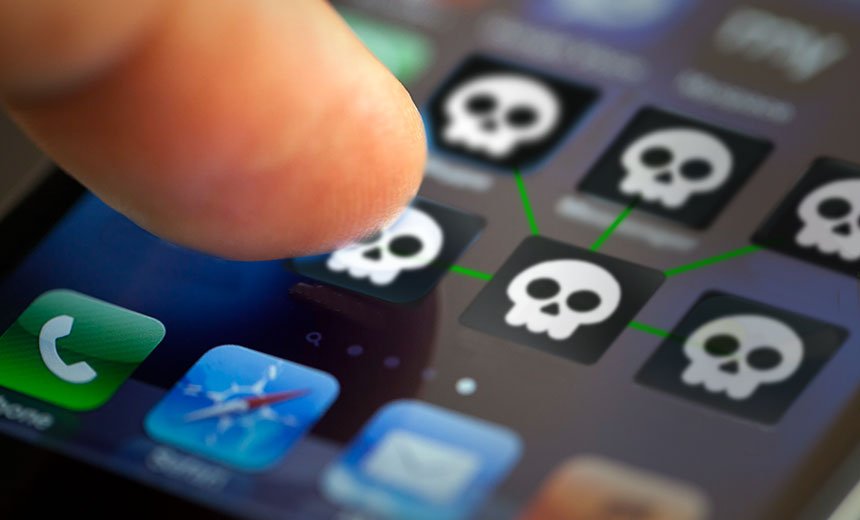
How Remote-Access Apps Become a Weapon
Remote-access software is designed to let one device view or control another in real time. In corporate IT settings, the technology allows technicians to fix problems without being physically present. In scam calls, the same features create immediate exposure.
With access granted, scammers can watch banking apps as they are used, see one-time passwords and transaction alerts as they appear, and observe passwords, PINs and personal details being entered. Every tap, swipe and notification becomes visible.
The risk compounds quickly. Within minutes, remote access can lead to unauthorized transactions, emptied accounts and the misuse of personal identity information. The apps themselves are not malicious, but the context in which they are deployed turns them into powerful surveillance tools.
Warnings That Are Increasingly Explicit
Security advisories aimed at smartphone users have grown more direct in recent months. They emphasize a clear principle: no legitimate bank, government office or customer service agent will ever ask a user to install a remote-access app over a call, share passwords or one-time passcodes, or grant full-screen access to “fix” an issue.
For Android users in particular, guidance has focused on restraint and cleanup. If remote-access apps are already installed but not used regularly, users are advised to delete them immediately. If installation is unavoidable for a legitimate task, the recommendation is to uninstall the app as soon as the work is completed.
Above all, users are urged never to share screen access or app-generated codes with unknown callers, regardless of how credible the request may sound.
A Smartphone as a Single Point of Failure
Modern smartphones now function as wallets, offices and identity vaults. They hold bank accounts, private conversations, work files and authentication tools, concentrating what were once separate assets into a single device.
That concentration has made small misjudgments more consequential. Downloading the wrong app, clicking an unfamiliar link or trusting the wrong call can allow a stranger to see and control nearly every aspect of a person’s digital life.
Scammers have adapted accordingly, exploiting commonly used remote-access apps not because the software is flawed, but because users are increasingly reliant on their phones for sensitive tasks. The technology that enables convenience and remote help has, in the wrong hands, become a shortcut to financial theft and identity misuse—one phone call at a time.