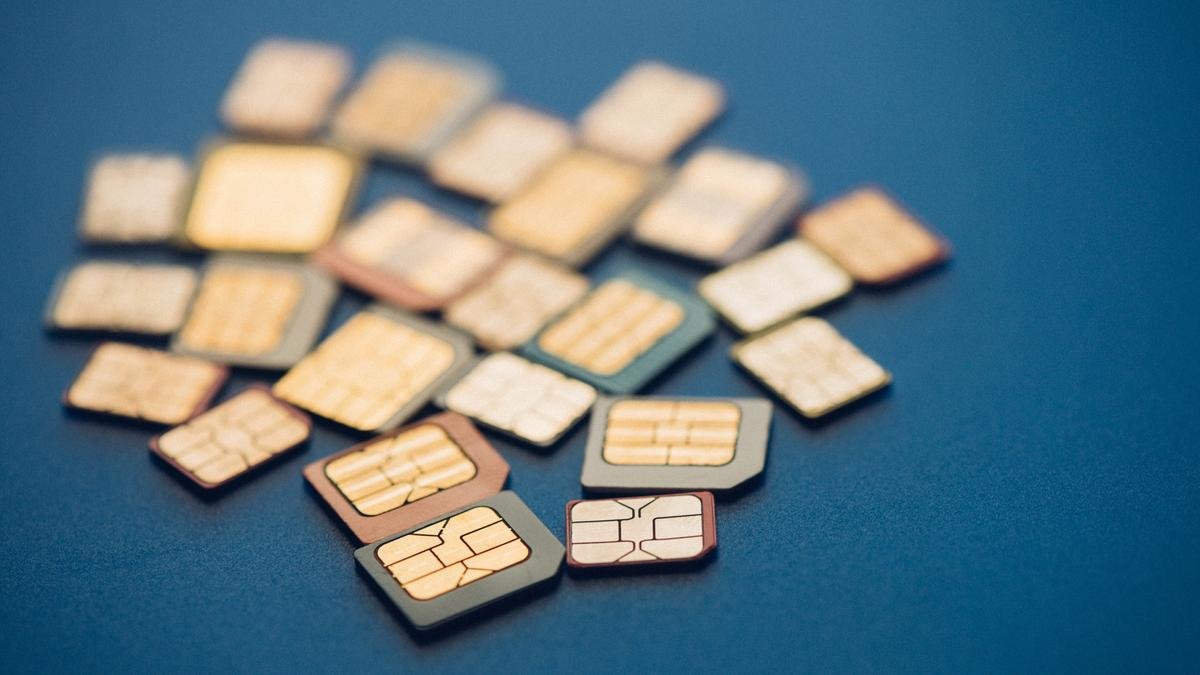
A 27-year-old resident of Bengaluru has been defrauded of ₹7.2 lakh from his bank account through a sophisticated SIM-swap operation. Cybersecurity experts noted that the theft was remarkably covert, as the victim never received a call from the scammers, nor was he tricked into clicking any malicious software links. Instead, the criminal network managed to port his mobile number to another SIM card completely without his knowledge or consent. The case challenges the common public perception that online fraud only occurs when a user explicitly interacts with a hacker or misplaces their trust in unverified links.
Fraudsters Divert Banking Auths via Rogue Porting Procedures
In a standard SIM-swap or porting exploit, the perpetrators successfully transfer target numbers onto a secondary chip to gain total control over the victim’s digital banking profiles. This control is achieved because banking One-Time Passwords (OTPs) and transaction alerts are automatically rerouted to the newly active device held by the scammers. Because the intercept occurs at the cellular network layer, targets are often entirely unaware that their cellular identity has been compromised until their bank accounts are completely drained.
To safeguard hard-earned financial resources, technical analysts advise consumers to configure two primary device settings on their smartphones. The first and most effective mechanism is activating a permanent SIM Lock. When enabled, this feature ensures that even if a physical SIM card is cloned, stolen, or ported, it cannot establish a network connection or function on any device unless a highly secure, private Personal Identification Number (PIN) is entered.
Registration Begins for FutureCrime Summit 2026, India’s Largest Cybercrime Conference
Universal Implementation Across Android and iOS Protocols
The activation of the SIM lock feature can be achieved through default options across all prominent smartphone operating systems. On Android-powered devices, users can enable this by navigating through Settings, selecting Security & Privacy, entering More Security Settings, and toggling the SIM Card Lock option to active. Following activation, the system will prompt the user to establish a strong, customized PIN. Users are cautioned that entering an incorrect PIN three consecutive times will permanently lock the SIM, requiring a Personal Unlocking Key (PUK) code directly from the telecom operator to restore services.
For Apple iPhone users, the protection is initialized by accessing the primary Settings menu, selecting the Cellular sub-menu, entering the SIM PIN section, and establishing a robust passcode. Security teams strictly warn users against utilizing easily guessable default combinations such as “0000” or “1234”, which are easily bypassed by fraudsters.
App-Based Authenticators Replace Traditional Network SMS OTPs
As an additional line of defense, security researchers recommend modifying two-factor authentication (2FA) habits on critical Gmail and internet banking profiles. Users are urged to migrate away from standard network-delivered SMS OTPs, switching instead to dedicated hardware-bound applications like Google Authenticator or Microsoft Authenticator. Because these applications generate time-sensitive access codes locally on the phone’s physical hardware rather than linking them to the SIM card, hackers cannot intercept login authentications even if they successfully execute a remote SIM swap.
Finally, cellular subscribers are advised to monitor their network connectivity signals vigilantly. If a mobile device suddenly loses its cellular signal completely, and network access fails to return even after rebooting the phone or cycling through Airplane Mode, users must contact their telecom service provider immediately. Where possible, victims should pay an immediate physical visit to an official operator retail store, where technicians can instantly check if the number has been fraudulently ported and provision an immediate replacement SIM to neutralize ongoing bank thefts.