

Follow us on Google News

A wedding invitation, traffic challan or bank security notice received on WhatsApp can conceal a dangerous Android application.
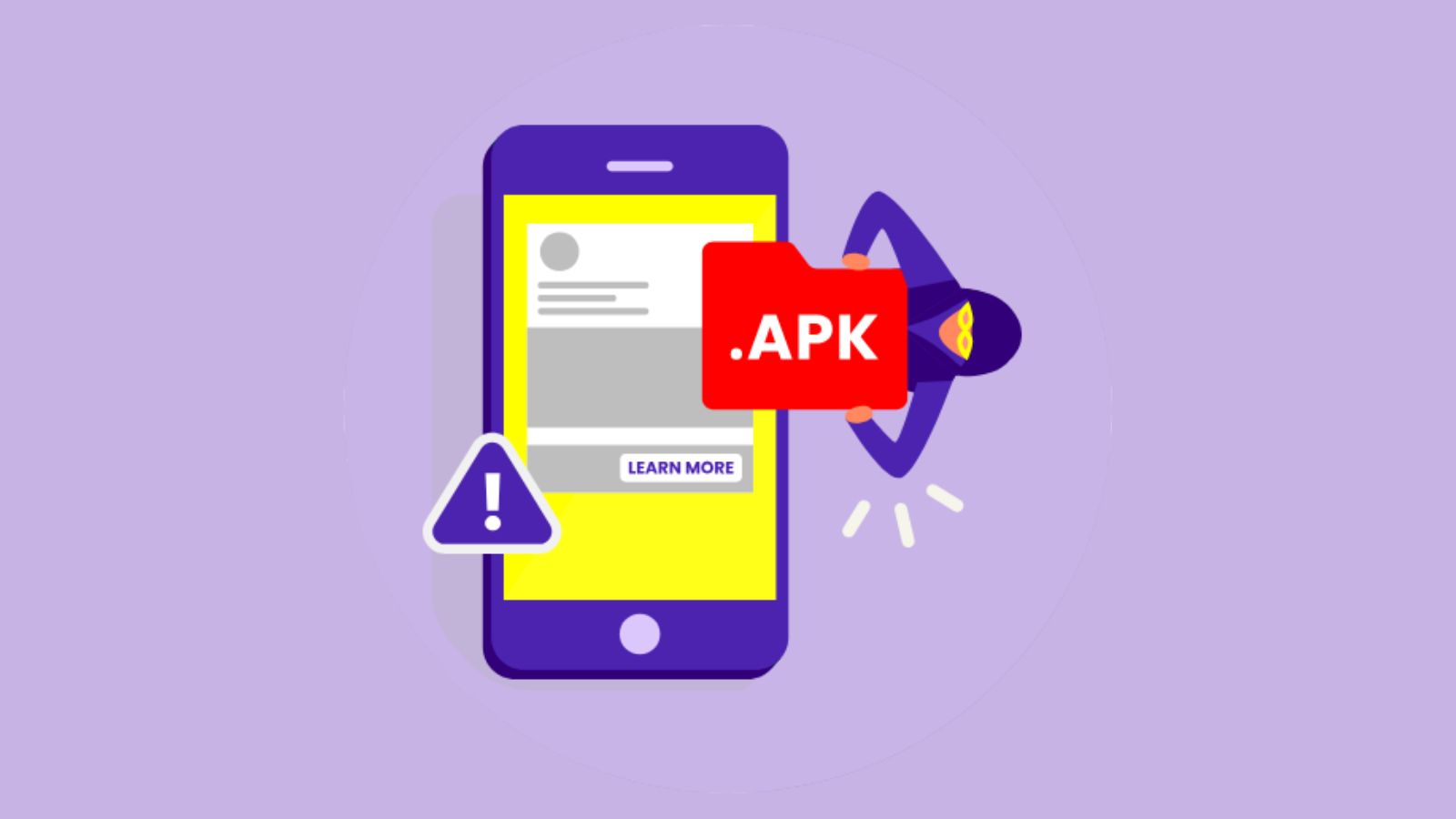
Malicious APK files are increasingly used to trick smartphone users into installing software capable of stealing banking credentials, reading sensitive messages and compromising personal accounts. Unlike ordinary photographs or documents, an APK can install an application on an Android device, potentially giving criminals access to information that should remain private.
India’s Computer Emergency Response Team (CERT-In) has warned that fake banking applications can capture login details and one-time passwords. In March 2026, the agency also identified a malware campaign involving fraudulent RTO and e-challan applications designed to steal financial information and facilitate unauthorised transactions.
What Are Malicious APK Files and How Do They Work?
APK stands for Android Package Kit, a file format used to distribute and install Android applications. APK files are not inherently dangerous, but those received from unknown senders or untrusted websites may contain malicious software.
Criminals often disguise these installers as wedding invitations, courier notifications, electricity bills, government notices or banking updates. The recipient is encouraged to download and install the file, sometimes after being instructed to allow installation from an unfamiliar source. Once installed, the application may request permission to access SMS messages, notifications or Android accessibility features. Depending on its design and permissions, the malware can collect information, monitor activity or interfere with legitimate applications.
Simply receiving an APK through WhatsApp does not ordinarily install malware. The documented attacks generally require installation or another unsafe action. That distinction matters because an unexpected attachment can usually be rejected before it compromises the device.
How Do Malicious APK Files Steal Banking Information?
Fake banking applications may display convincing login screens that imitate genuine financial services. When users enter their credentials, the information can be transmitted to criminals. Other malicious applications attempt to read SMS messages or notifications containing banking alerts and OTPs. Abuse of Android accessibility services can also enable certain malware to observe screen content or interact with applications on behalf of the user.
Google identifies SMS access, notification-listener access and accessibility permissions as particularly sensitive when requested by applications installed through browsers or messaging services. Its Play Protect system can block certain high-risk installations.
However, an APK cannot automatically empty every bank account merely because it is installed. The outcome depends on the malware’s capabilities, the permissions granted, the bank’s authentication controls and any additional deception used by the attacker.
How Can an APK Compromise a WhatsApp Account?
Malicious applications may attempt to intercept WhatsApp registration codes, access notifications or manipulate activity on a compromised phone. These capabilities can support account takeover when criminals obtain the verification information needed to register the victim’s number elsewhere.
Once an account is compromised, attackers may impersonate its owner, contact relatives or colleagues and distribute further fraudulent messages.
In August 2026, the Indian Cyber Crime Coordination Centre (I4C) warned about a campaign targeting professionals through malicious account statements and fake regulatory communications. The government said compromised WhatsApp accounts of senior executives were being used to instruct finance teams to transfer funds to mule accounts.
The campaign also involved malicious Windows attachments, which should not be confused with Android APK installers. Both methods exploit trust in familiar messages, but their technical mechanisms differ.
For related coverage, read The420.in’s guide to WhatsApp APK scams involving wedding invitations and fake RBI files.
How to Recognise a Dangerous APK Before Installing It
A message demanding that you install an application to view a wedding invitation, pay a challan, update KYC details or receive a parcel should raise suspicion. Check the actual file extension, not merely its displayed name or icon.
A legitimate PDF document does not require installing an Android application. Likewise, a government notice or bank statement should be verified through the institution’s official website or application.
Google Play Protect scans applications and can warn against suspicious installations, but no security system detects every threat. Users should keep Android updated, review application permissions and avoid overriding malware warnings.
What to Do After Installing a Malicious APK
If a suspicious APK has already been installed, disconnect the phone from mobile data and Wi-Fi. Stop using it for banking or entering passwords. Review installed applications and remove suspicious software where possible. CERT-In specifically recommends disconnecting the device, uninstalling malicious applications and scanning it with trusted security software.
From a separate trusted device, change important passwords and contact the bank to secure accounts and payment instruments. Review transactions and report any unauthorised activity immediately. If malware cannot be confidently removed, obtain professional assistance and consider a factory reset after preserving necessary evidence and safe backups.
For WhatsApp, review linked devices and log out unfamiliar sessions. If the account has been taken over, follow WhatsApp’s official recovery procedure by registering the phone number again using the six-digit verification code. Warn contacts about suspicious messages sent from the accounts.
Victims of financial fraud should call 1930 and file a complaint at the National Cyber Crime Reporting Portal.
What Does Indian Law Say About Malicious APK Fraud?
Sections 43 and 66 of the Information Technology Act, 2000 address specified unauthorised computer-related conduct, while Sections 66C and 66D concern identity theft and cheating by personation using computer resources. These provisions may apply depending on the conduct established during an investigation. The Bharatiya Nyaya Sanhita, 2023 may also apply where the conduct amounts to cheating. The DPDP Act and the 2026 IT Rules should not be presented as automatic criminal charges for every malicious APK incident.
RBI’s customer-protection framework provides conditional safeguards for unauthorised electronic banking transactions, including zero liability in certain third-party breaches reported within three working days. It does not guarantee reimbursement for every scam-induced payment.
Frequently Asked Questions About Malicious APK Files
1. Can an APK steal money from a bank account?
Yes. Certain malicious applications can steal credentials, intercept authentication information or facilitate unauthorised transactions. Installation alone does not guarantee that theft will occur.
2. Can simply receiving an APK on WhatsApp infect Android?
Normally, no. The documented scams generally require installation or another unsafe interaction.
3. Can a malicious APK hack WhatsApp?
It may help criminals capture registration information or interfere with an account. Other WhatsApp takeover methods, including deceptive QR-code linking, do not require APK malware.
4. Are all APK files dangerous?
No. APK is a standard Android application format. The risk depends on the source, software behaviour and permissions.
5. Is uninstalling the malicious app enough?
Not always. Credentials may already have been stolen, and some infections require additional security checks or device restoration.
6. Can stolen banking money be recovered?
Recovery may be possible, but it is not guaranteed. Immediately notify the bank and report the fraud through 1930.
The420 Insight: Check the File Before Trusting the Sender
Malicious APK fraud succeeds when familiar messages persuade users to install unfamiliar software. Even an attachment received from a known WhatsApp contact may be dangerous if that account has been compromised. Before opening any unexpected installer, verify the request independently and use the institution’s official application or website.