

A wedding invitation, bank statement or regulatory notice received through WhatsApp can conceal malicious software capable of stealing sensitive information and compromising financial accounts. India’s cybersecurity agencies have warned that criminals are disguising malware as familiar documents to persuade recipients to open dangerous attachments.
The WhatsApp APK scam primarily targets Android users through fraudulent application installers. A related campaign uses compressed account statements and fake Reserve Bank of India (RBI) communications to infect Windows computers. Although the file formats differ, both attacks exploit trust in familiar senders and apparently routine messages.
How Does the WhatsApp APK Scam Work?
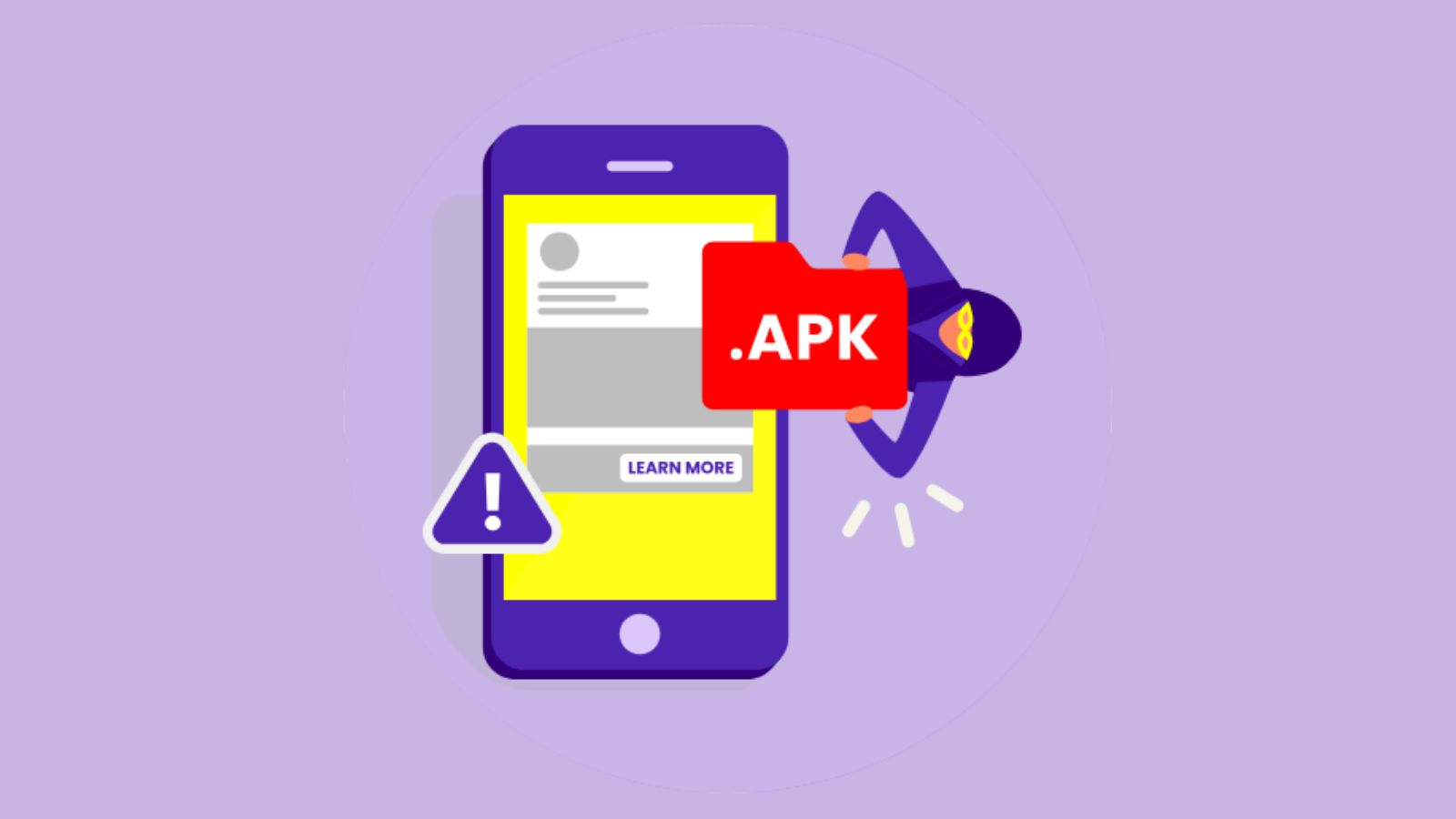
An Android Package Kit, commonly called an APK, is a file used to install applications on Android devices. Unlike an ordinary image or document, an APK can introduce software that requests access to sensitive phone functions.
Fraudsters distribute malicious installers through WhatsApp, sometimes using compromised accounts belonging to friends or relatives. The attachment may carry an innocent-looking filename such as `Wedding Invitation.apk`.
India’s Computer Emergency Response Team, CERT-In, documented a SpyMax Android malware campaign on June 25, 2025, involving fake wedding invitations distributed through WhatsApp.
According to CERT-In, the malicious application sought accessibility, notification and SMS permissions. Once installed, it could collect messages, contacts, keystrokes and banking OTPs while communicating with an attacker-controlled server. Some versions concealed their application icons, making detection harder.
Why Are Wedding Invitations Being Used to Spread Malware?
Wedding invitations are effective social-engineering material because recipients generally expect them from relatives, colleagues and acquaintances.
A familiar contact sending an invitation may not immediately appear suspicious. However, the sender’s WhatsApp account could already be compromised.
Cybercriminals exploit this familiarity to persuade users to install an application rather than open a conventional invitation. The critical warning is the file type: an invitation should not require installing unfamiliar software or granting access to SMS messages and phone controls.
Union Bank of India’s cybersecurity awareness material specifically identifies fraudulent wedding invitations distributed as APK files and advises users against installing applications received through unsolicited WhatsApp messages.
Fake RBI and Statement Files Target Business Professionals
A separate malware campaign identified by the Indian Cyber Crime Coordination Centre (I4C) targets chartered accountants, company directors, chief financial officers and corporate finance teams.
In an August 7, 2026 advisory, the Ministry of Home Affairs warned about malicious attachments named `Statement of Account.zip`, `RBI.zip` and `MCA.zip`.
Unlike Android APK files, these archives contain malicious Windows executable files and associated components. The messages imitate account statements or urgent communications from financial regulators.
I4C said attackers used compromised WhatsApp accounts of senior executives to send fraudulent payment instructions to finance employees. The objective was to divert company funds into mule accounts.
https://the420.in/fcrf-certified-chief-ai-officer-second-cohort-november-2026/
The agency reported that more than 58,000 potential victims had been alerted through SMS over the preceding 30 days. It also stated that measures against attacker-controlled infrastructure had helped protect more than 10,000 Indians. These figures concern the specific campaign, not all WhatsApp malware incidents.
How Malicious WhatsApp Files Compromise Devices
The attack usually requires a victim to install an application, execute a program or grant permissions. Merely receiving an attachment does not normally compromise a properly updated device.
On Android, malicious applications may exploit accessibility permissions, notification access and SMS access to capture sensitive information. On Windows, executable files or scripts may establish remote access or hijack active WhatsApp sessions.
CERT-In separately warned in June 2026 about malicious VBScript attachments disguised as invoices, payment records and account statements. Successful execution could allow credential theft, remote access and additional malware installation.
How to Recognise a Dangerous Attachment
An unexpected file requiring installation should be treated cautiously, particularly when it claims to be a wedding card, bank notice or regulatory document.
Android users should avoid APK files received through messaging applications. Windows users should scrutinise compressed archives containing `.exe`, `.dll`, `.vbs` or other executable content.
Recipients should independently call the sender, check the actual file extension and avoid enabling unfamiliar permissions. A message from a saved contact is not proof that the attachment is safe.
The RBI has also warned against impersonators who pressure customers into installing unauthorised applications using threats of account suspension or regulatory action.
What to Do After Installing a Suspicious File
If a suspicious application has been installed, immediately disconnect the affected device from mobile data and Wi-Fi. Avoid using it for banking or entering additional passwords.
From another trusted device, contact the bank, secure financial accounts and change potentially compromised passwords. Review WhatsApp’s linked devices and terminate unfamiliar sessions.
Android users should remove suspicious applications and run a trusted security scan. Windows users should involve qualified technical support, particularly where corporate accounts or financial records are involved. A severely compromised device may require a clean reinstall.
If money has been transferred without authorisation, contact the bank immediately and report the incident through the National Cyber Crime Reporting Portal or the 1930 helpline.
Preserve suspicious messages, transaction references and complaint acknowledgements for investigators.
Frequently Asked Questions About WhatsApp APK Scams
1. Can a wedding invitation APK steal banking information?
Yes. CERT-In has documented malicious wedding invitation applications capable of accessing SMS messages, notifications and sensitive device information.
2. Can simply receiving an APK infect my phone?
Normally, no. These documented attacks generally require installation, execution or another unsafe interaction.
3. Are PDF wedding invitations safe?
PDF is a document format rather than an Android installer, but unfamiliar PDFs and links can still present security risks. Verify unexpected attachments before opening them.
4. Are RBI.zip and Statement of Account.zip Android APK scams?
No. The specific I4C campaign involved malicious Windows executables inside compressed archives.
5. Can malware spread through a friend’s WhatsApp account?
Yes. Compromised accounts can distribute malicious attachments to existing contacts, making fraudulent messages appear trustworthy.
6. Where should victims report financial losses?
Immediately notify the bank, call 1930 and register a complaint at cybercrime.gov.in.
The420 Insight: The File Extension Is the First Warning
The danger lies not in receiving a wedding invitation or bank statement, but in trusting an unexpected attachment without verifying its purpose. Criminals increasingly combine familiar document names with malicious software and compromised messaging accounts. Checking file extensions, refusing unnecessary installations and confirming unusual requests independently can prevent an ordinary WhatsApp message from becoming a financial security incident.
About the Author – Ayesha Aayat writes on cybercrime, fraud, scams, cybersecurity, digital safety, and emerging threats.